
Computing / Source-based review
MacBook Air M2 review: a slim everyday laptop with clear limits
A source-based look at Apple's 13-inch M2 Air, from its portable design to the connections and configuration choices that matter.
Our assessment
The 13-inch M2 Air makes most sense as a portable macOS computer for writing, study and everyday office work. Our judgement rests on the combination of a lightweight chassis, a useful screen size and a restrained set of connections. It is less convincing for someone who wants broad upgrade options or an elaborate desk setup. This is an assessment of the design and documented capabilities, not a measured performance verdict.
Key facts at a glance
- Model
- 13-inch MacBook Air, M2 generation (2022)
- Display
- 13.6-inch Liquid Retina
- Weight
- Approximately 1.24 kg
- Connections
- Two Thunderbolt / USB 4 ports, MagSafe 3 and headphone jack
Design: choose for your actual working day
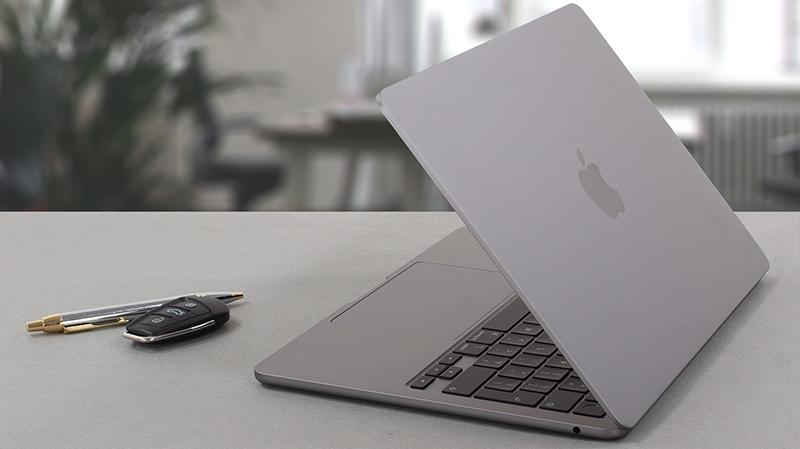
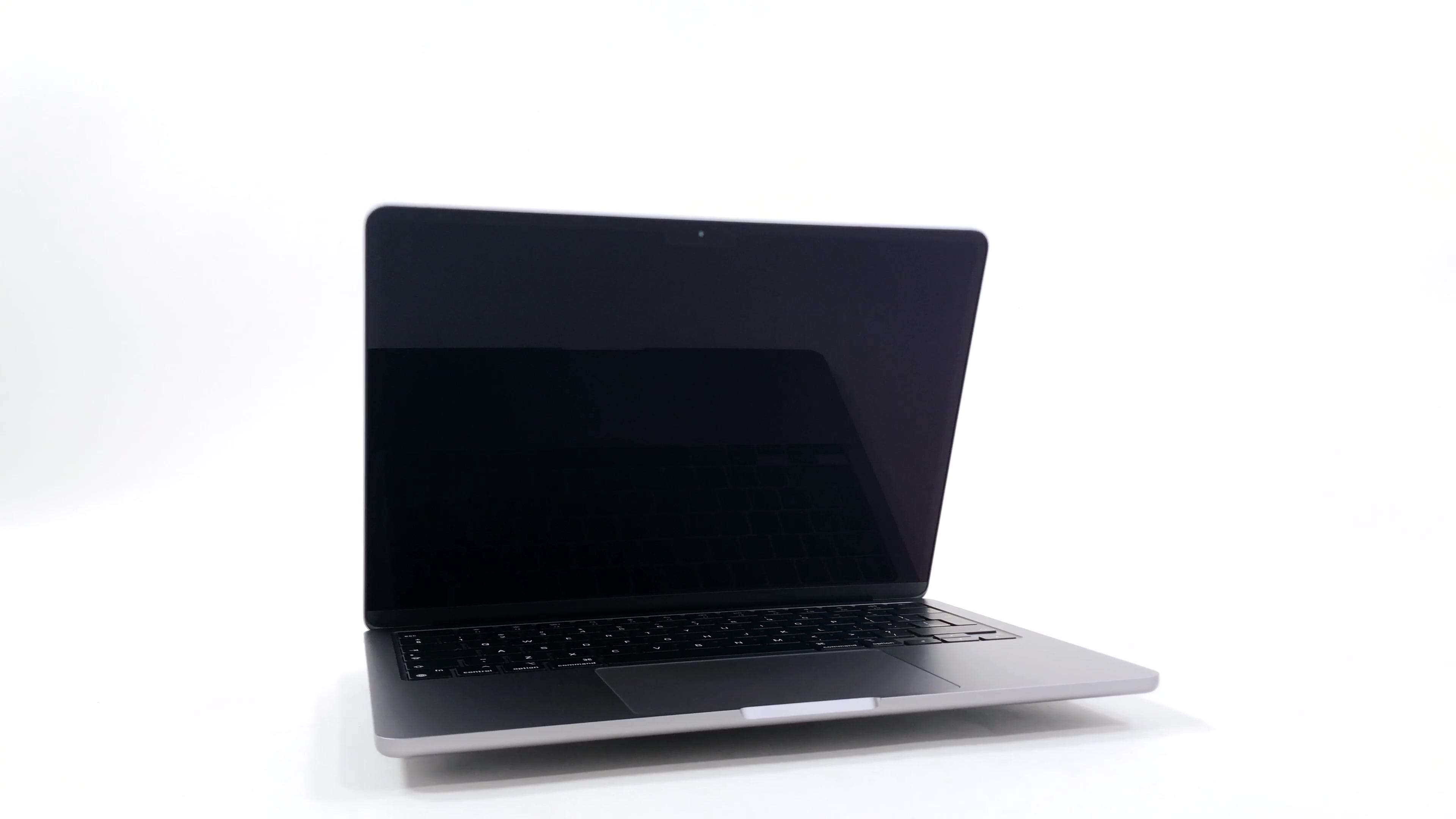
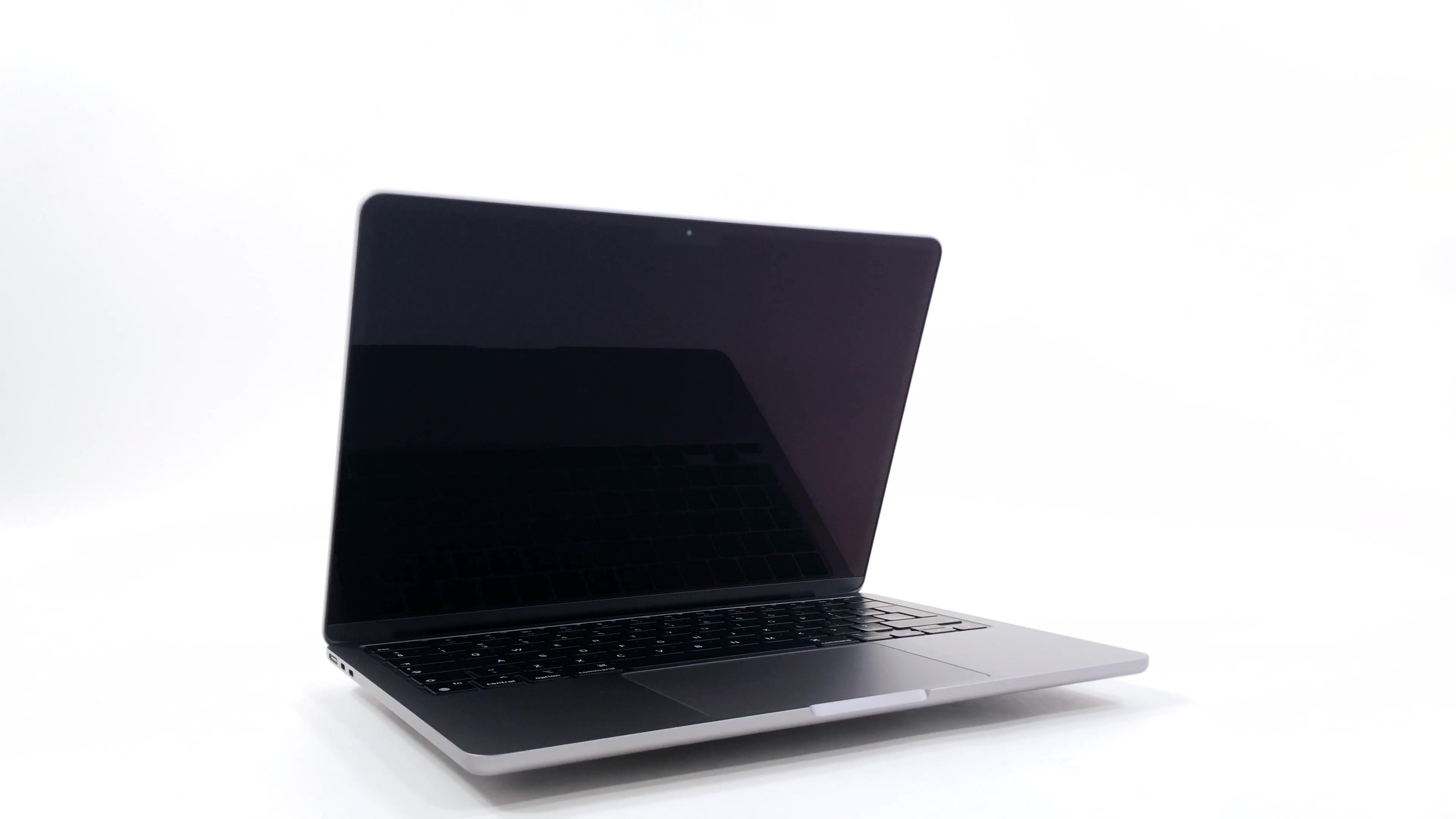
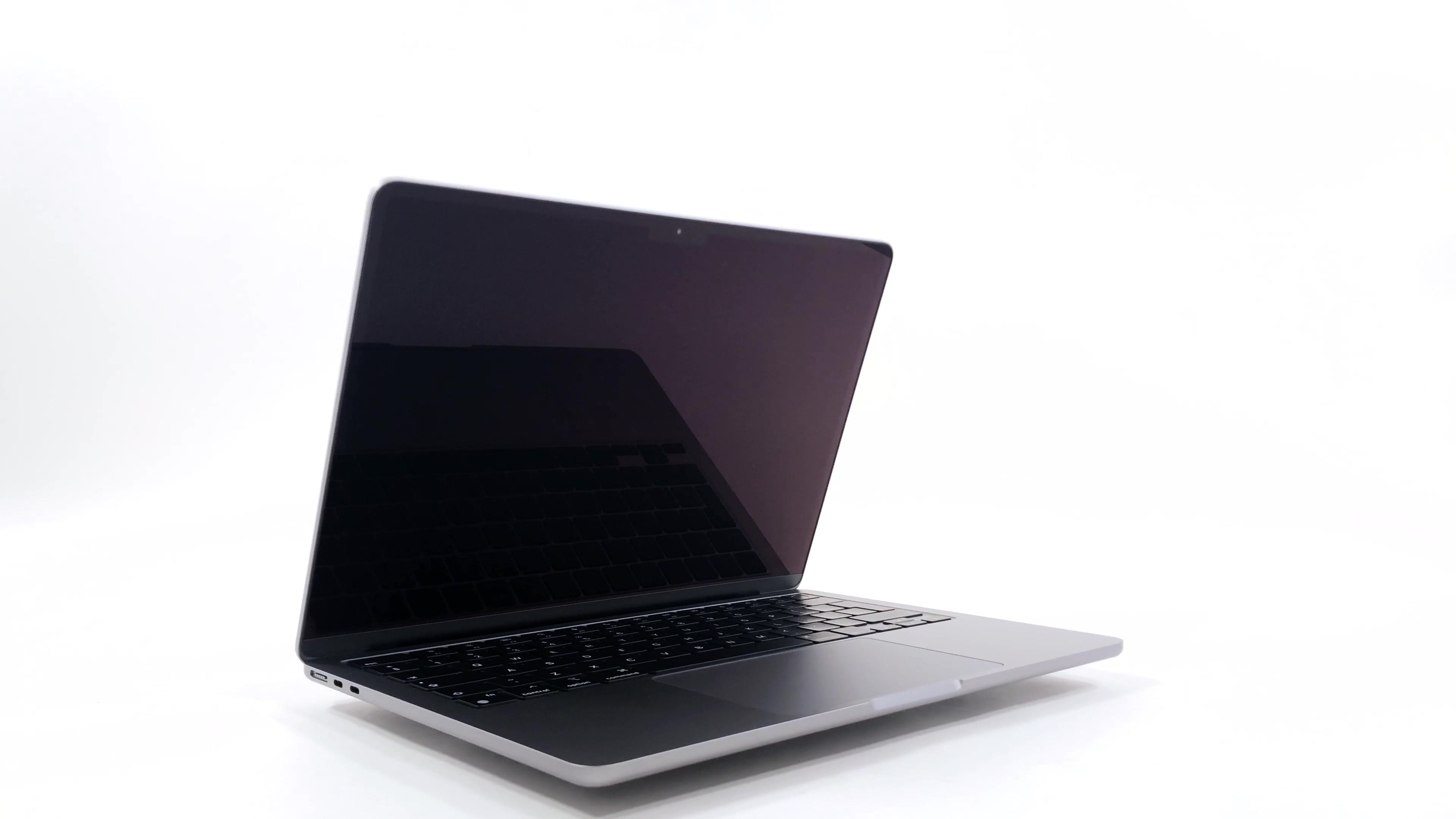
A laptop earns its place by fitting the routines around it. If your day involves moving between a library, meetings and a kitchen table, a compact computer is easier to accommodate than a larger workstation. Conversely, someone who works almost entirely at a desk may value a larger screen more than a lighter bag. Look at the photographs for the physical layout, but do not use them to judge the feel of the keyboard or the brightness of the panel. Those are experiences we have not independently assessed. Check the exact size against your bag and consider the charger and adapters in your travel weight.
Connections: map the desk before buying
The documented port selection is compact. Before buying, list every device that needs a physical connection: external storage, a monitor, an input device and perhaps a camera or card reader. A hub can simplify those connections, but it becomes another purchase and another item to carry. Apple documents support for one external display on this model, which matters if a two-monitor desktop is part of your workflow. Read the display-support section for your exact configuration rather than assuming that a USB-C socket guarantees every display arrangement.
Configuration: buy for the applications you use
Write down your essential software before choosing a configuration. A machine that handles a few browser tabs today may have a very different workload once a large photo library, collaboration tools and local projects are involved. Check the memory and storage configuration of the actual unit offered by the seller. Model names alone are not enough, especially with used or refurbished devices. Allow space for active projects and backups, and make sure your software is compatible with the installed operating system. An attractive discount does not solve a compatibility problem.
Battery and second-hand buying considerations
Manufacturer battery estimates describe particular test conditions. They should not be read as a promise for video calls, heavy multitasking or a battery with years of use. When comparing a used unit, ask about battery condition, the included charger, activation status and the seller's return policy. Inspect the screen, hinge and ports in person when possible. A source-based review can explain what questions to ask; it cannot establish the condition of the specific machine you are about to purchase. That distinction is especially important for an older generation sold through multiple channels.
Pros
- Compact, lightweight format suited to mobile work.
- Separate MagSafe charging can leave USB-C ports free.
- Clear fit for readers already using macOS-compatible software.
Cons
- Limited built-in connections may require adapters.
- One external display support can constrain a multi-monitor desk.
- Configuration and condition vary significantly across older stock and used units.
Who should consider it?
Consider it if you want a portable macOS laptop, your essential applications are compatible and your monitor requirements fit the documented limits. It is particularly worth comparing on total cost, including storage needs, adapters and warranty coverage.
Who should look elsewhere?
Look elsewhere if you depend on several external monitors, need specific Windows-only applications, or want a system chosen primarily for long sustained specialist workloads. Compare the exact alternatives rather than assuming every newer or larger laptop is automatically a better fit.
Conclusion
The M2 Air is a focused choice: portability and everyday use are the attraction, while connectivity and configuration deserve close attention. Buy the exact unit that fits your software and desk, and treat price, battery condition and return rights as part of the product rather than afterthoughts.
Sources and review limits
Prices, retailer stock, software features and support policies can change. Confirm the exact model, regional specifications and seller terms before purchase. We do not invent current discounts or measured performance.
Continue reading

Audio / Product analysis
SoundPEATS Space review: put battery life in perspective
Long manufacturer-rated runtime, physical controls and a foldable design make the Space interesting. Here is what to check before buying.

Smart Home / Product analysis
Gosund Mini Smart Plug review: plan the routine before the purchase
A compact connected outlet can simplify a lamp routine. Compatibility, electrical ratings and ongoing app support deserve the closest attention.